Loading...

Securely migrate data between HubSpot accounts with full visibility, validation, and control at every step.

Start by selecting the migration option that fits your needs. Once selected, you’ll be guided through the steps to connect your HubSpot accounts, review your data, and confirm the migration.
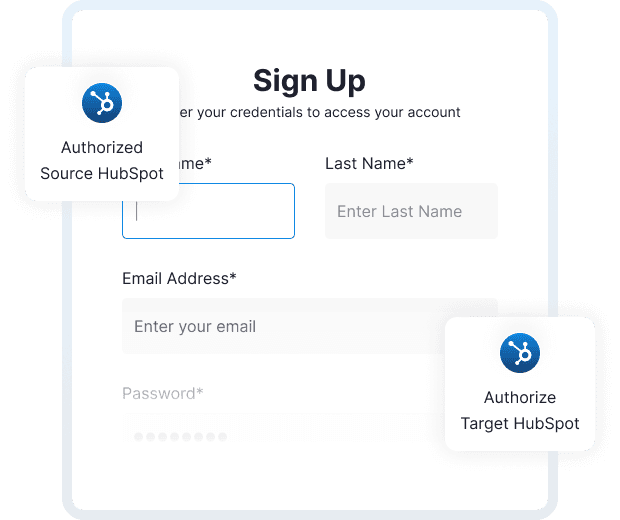
Select the migration option that fits your requirements and begin setup. This step defines how data moves and prepares the system to connect your HubSpot accounts securely later.
Use the version calculator below to identify which option best fits your migration requirements.
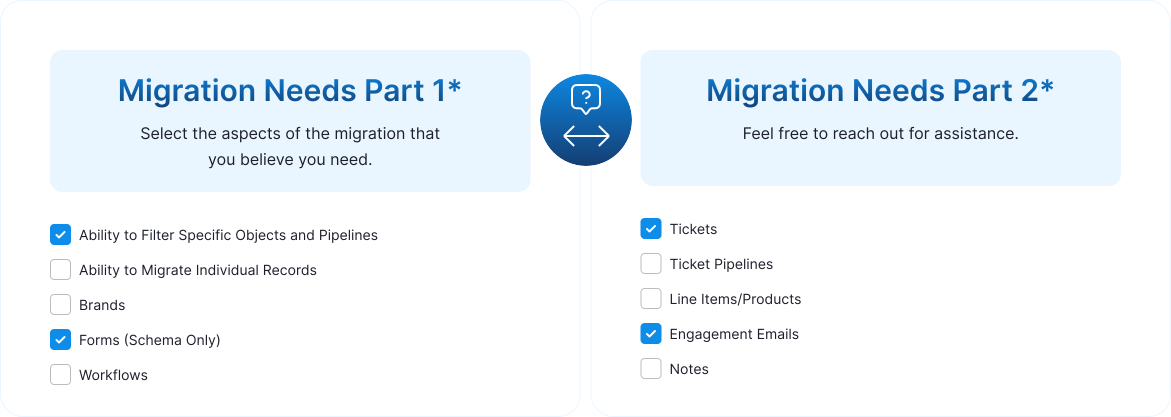

The Lite version supports a standard migration of the following HubSpot data and configurations:
The Lite version is designed for straightforward, full-scope migrations using standard settings. For advanced filtering, selective migrations, or workflow-related needs, the Pro version may be a better fit.
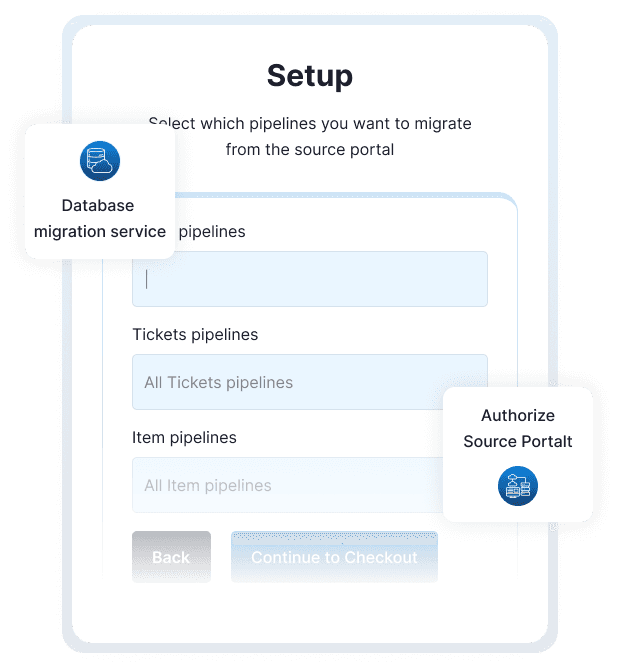
The Pro version includes everything in Lite, plus advanced controls for selective migration, filtering, and customization; ideal for complex HubSpot environments.
 Customizable migration schemaPipeline selection and filteringSelective property and property group migrationWorkflow migration with filter referencesForm schema migration with filteringGreater control over how and what data is migrated
For migrations requiring precise control over pipelines, properties, or workflows, the Pro version provides the flexibility needed.
The Enterprise version includes all Pro features, with additional controls designed for complex, multi-brand, and highly customized HubSpot environments.
Brand-based filtering and assignmentMigration of draft and published marketing emailsSelective migration of individual records (contacts, companies, deals, and tickets)Custom object migration, including schema, data, and filteringFor organizations requiring granular control across brands, records, and custom objects, the Enterprise version offers the highest level of flexibility.

Migrate data between HubSpot accounts with clarity, control, and full visibility at every step.